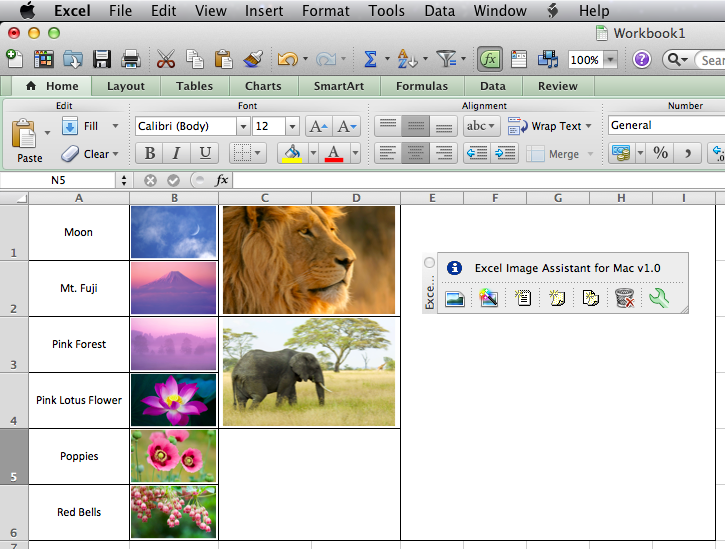
Download
For download is available free demo version with some limitation.
The limitations do not exist in the fully licensed version.
Windows
To install program properly please folow these simple steps:1. Close Excel (all opened worbooks)
2. Run downloaded / unziped setup file
3. Start Excel, find Excel Image Assistant 2.0 on the ribbon.

Older Excel Image Assistant is located under add ins.
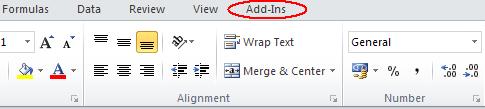
If the add in menu or Excel Image Assistant button missing, please check FAQ
| Excel Image Assistant | Link |
| Demo 2.0 for Excel 2007-2023 (365) | Download now |
| Demo 1.8 for Excel 2000-2003 | Download now |
All feedback and suggestions on how to improve Excel Image Assistant are welcome!
Mac
| Excel Image Assistant for Mac | Size | Link |
| Demo for Excel 2011-2016 | - | Coming soon |
| Full featured version 1.2 | - | Order now |